

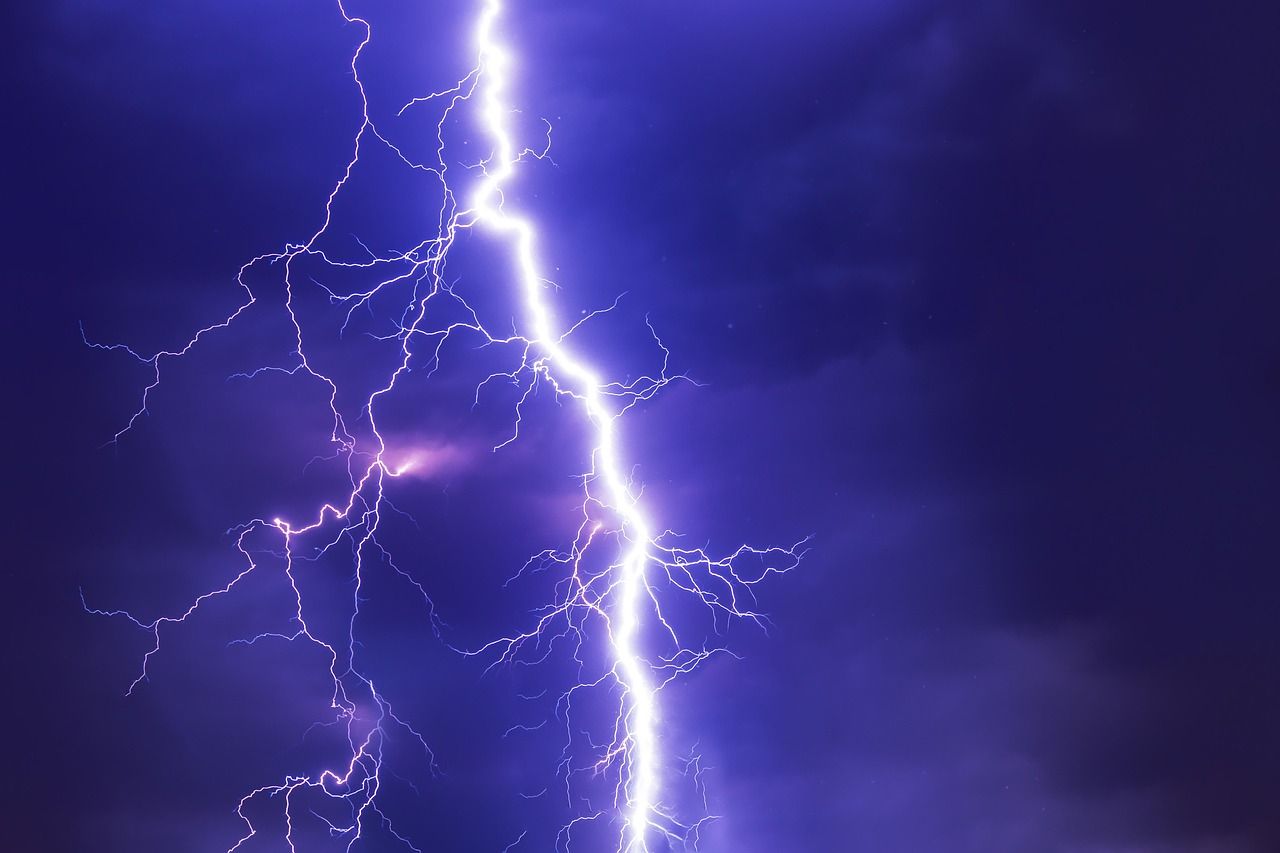
Capturing the Electric Sky: Why Live Stream Lightning?
Lightning is one of the most breathtaking yet unpredictable phenomena of nature. In a country like India, where the monsoon season transforms the landscape, the sky often becomes a canvas for massive electrical displays. From the intense thunderstorms in the plains of North India to the heavy monsoon clouds over the Western Ghats, there is no shortage of dramatic weather. While many people capture photos of lightning, live streaming it offers a unique thrill. It allows you to share the raw, real-time power of nature with an audience, creating a sense of shared awe.
However, live streaming lightning is not as simple as pointing your phone at the sky and hitting a button. It requires a mix of the right equipment, specific camera settings, a stable internet connection, and most importantly, a focus on safety. Whether you are an aspiring weather blogger or a hobbyist who loves the rains, this guide will walk you through every step of how to live stream lightning effectively and safely in the Indian context.
Essential Gear for Live Streaming Lightning
To produce a high-quality live stream that does not look like a blurry mess, you need to move beyond basic handheld setups. The unpredictability of lightning means your equipment must be ready to capture sudden bursts of light in dark conditions.
1. The Camera Choice
While modern smartphones like the iPhone 15 series or the Samsung S24 Ultra have incredible low-light capabilities, a dedicated camera like a DSLR or a Mirrorless camera is ideal. If you are using a smartphone, ensure it has a manual mode or use a third-party app that allows you to lock focus and exposure. For those serious about storm chasing, an action camera like a GoPro can also work well due to its wide-angle lens and rugged build.
2. Stable Support: Tripods
You cannot hold a camera steady enough for a lightning stream. Any slight shake will ruin the visual clarity. Invest in a sturdy tripod that can withstand the wind gusts that usually accompany thunderstorms. If you are shooting from a balcony in a high-rise building in Mumbai or Bangalore, ensure the tripod is weighted down so it does not tip over.
3. Power Backup
Live streaming drains battery life rapidly. In India, power cuts are common during heavy rains. Always have a high-capacity power bank (at least 20,000mAh) connected to your phone or camera. If you are using a laptop for the stream, ensure it is fully charged and you have a backup power source for your router as well.
4. Weather Protection
Since you are filming lightning, rain is almost a certainty. Use a rain cover for your camera. If you are on a budget, a simple transparent plastic bag with a hole for the lens secured by a rubber band works surprisingly well. Never let moisture seep into the charging ports or the lens mounts.
Choosing the Right Platform and Software
Where you stream depends on your target audience. In India, YouTube Live and Instagram Live are the most popular choices. However, for a professional setup, you might consider using OBS Studio (Open Broadcaster Software) on a laptop.
Using Your Smartphone
For beginners, apps like Prism Live Studio or Streamlabs are excellent. They allow you to add overlays, monitor comments, and most importantly, adjust bitrates. High bitrates are necessary for lightning because the sudden change in brightness can cause pixelation if the internet speed is low.
Using a Laptop and OBS
If you want to stream using a professional camera, you will need a capture card. OBS allows you to set up multiple camera angles. You could have one wide shot of the sky and a tighter shot of the horizon. This setup is more stable but requires a more robust internet connection.
Mastering Camera Settings for Lightning
Lightning lasts for a fraction of a second. The challenge in live streaming is that you cannot use the 'long exposure' technique typically used in still photography. You have to find a balance that allows the camera to see in the dark while not blowing out the highlights when a bolt strikes.
Manual Focus
Never use auto-focus. In the dark, your camera will keep 'hunting' for a subject, resulting in a blurry stream. Set your focus to 'Infinity'. This ensures that the distant sky and the lightning bolts remain sharp.
ISO and Exposure
Keep your ISO as low as possible to avoid digital noise, but high enough to see some detail in the clouds. A range between 400 and 800 is usually a good starting point. Set your shutter speed to match your frame rate (e.g., 1/50th of a second for a 25fps stream). This provides a natural motion blur and helps in capturing the flash accurately.
White Balance
Set your white balance manually. If left on 'Auto', the camera will change the color temperature every time the lightning flashes, moving from blue to yellow and back. Setting it to 'Daylight' or a specific Kelvin value (around 5000K) keeps the colors consistent.
Internet Stability: The Indian Context
Streaming high-definition video requires a steady upload speed. During a storm, mobile networks can become congested or unstable. If you are using mobile data, 5G is preferable, but 4G can work if the signal strength is high. In India, using a 'network bonding' app like Speedify can help by combining your Wi-Fi and mobile data to ensure the stream does not drop if one connection fails.
Safety Precautions During Storms
No live stream is worth your life. Lightning is extremely dangerous, and being outdoors with metal equipment increases your risk. In India, the National Disaster Management Authority (NDMA) issues regular guidelines for lightning safety. Follow these strictly:
- Stay Indoors: The best way to stream lightning is from inside a building through a window or from a covered balcony.
- Avoid Tall Objects: Never set up your tripod under a lone tree or near a lightning conductor.
- Monitor the Weather: Use apps like 'Damini' (developed by the Indian Institute of Tropical Meteorology) to track lightning strikes in your area in real-time. If the strikes are getting closer than 5-10 kilometers, it is time to move inside.
- Avoid Corded Electronics: If you are streaming from a laptop, try to run it on battery power rather than keeping it plugged into the wall socket to avoid surges from a nearby strike.
Finding the Best Locations in India
India offers diverse locations for weather enthusiasts. The 'Kal Baisakhi' (Nor'westers) in West Bengal and Odisha provide some of the most spectacular lightning displays in the world. The pre-monsoon heat waves followed by sudden storms in Delhi and the NCR region also offer great opportunities for urban storm chasing. If you are in the South, the onset of the monsoon in Kerala provides a month-long window of constant activity. Look for open fields, terraces of high-rise buildings, or coastal areas where the horizon is clear.
Tips for Engaging Your Audience
A live stream of just the sky can get boring if there are long gaps between strikes. To keep your Indian audience engaged, talk to them. Share facts about the weather, explain the types of lightning (cloud-to-ground vs. intra-cloud), or take requests on which part of the sky to focus on. Use the chat feature to answer questions about your gear or the local weather conditions. This builds a community of weather lovers who will return to your channel every time the clouds gather.
Conclusion
Live streaming lightning is an art form that combines technical skill with a deep respect for nature. By preparing your gear, mastering your manual settings, and prioritizing safety, you can capture the raw energy of the Indian monsoon for the world to see. Remember that patience is key. You might wait for an hour with nothing happening, only to be rewarded with a spectacular ten-second display that makes the whole effort worthwhile. Stay safe, keep your batteries charged, and happy streaming.
What is the best time to live stream lightning in India?
The best time is during the pre-monsoon months (April to June) and the peak monsoon season (June to September). Late evenings and early nights usually offer the most visually stunning displays against a dark sky.
Do I need a special license to stream weather events?
No, you do not need a specific license for hobbyist live streaming. However, always ensure you are not filming in restricted areas like airports, military zones, or sensitive government installations which are common in many Indian cities.
Can I live stream lightning using just a smartphone?
Yes, you can. Use a tripod and a dedicated streaming app that allows you to lock the exposure and focus. Ensure you have a strong 4G or 5G connection and a power bank attached to your phone.
How do I protect my camera from rain during the stream?
You can use professional rain sleeves or a simple DIY solution like a plastic bag. Make sure the lens glass is clear and use a lens hood to prevent water droplets from blurring the image.


